Why Skin Realism Matters for AI Creators
AI image generation has made huge progress in lighting, composition, and creative control. But there’s one area that still consistently breaks the illusion: skin realism.
Many creators and agencies invest hours into perfect AI shots, only to have them rejected because the skin still looks waxy, plastic, or “too AI”.
Anyone using AI visuals for B2C, B2B, brands, or agencies knows this final step is crucial for making images feel truly human and professional.
Common Ways Creators Try to Fix AI Skin
-
1. Heavy Prompting
Using words like “hyperrealistic” or “ultra real” helps but only for close-ups. Models still lack real micro-texture in the training data. -
2. Omni-Reference Tricks (Midjourney)
Adds detail but often changes the character’s identity entirely—bad for client work. -
3. Upscaling
Upscaling sharpens images, but sharp ≠ textured. It doesn't add pores or natural breakup in skin.
Normal AI Images vs. Realistic AI Images
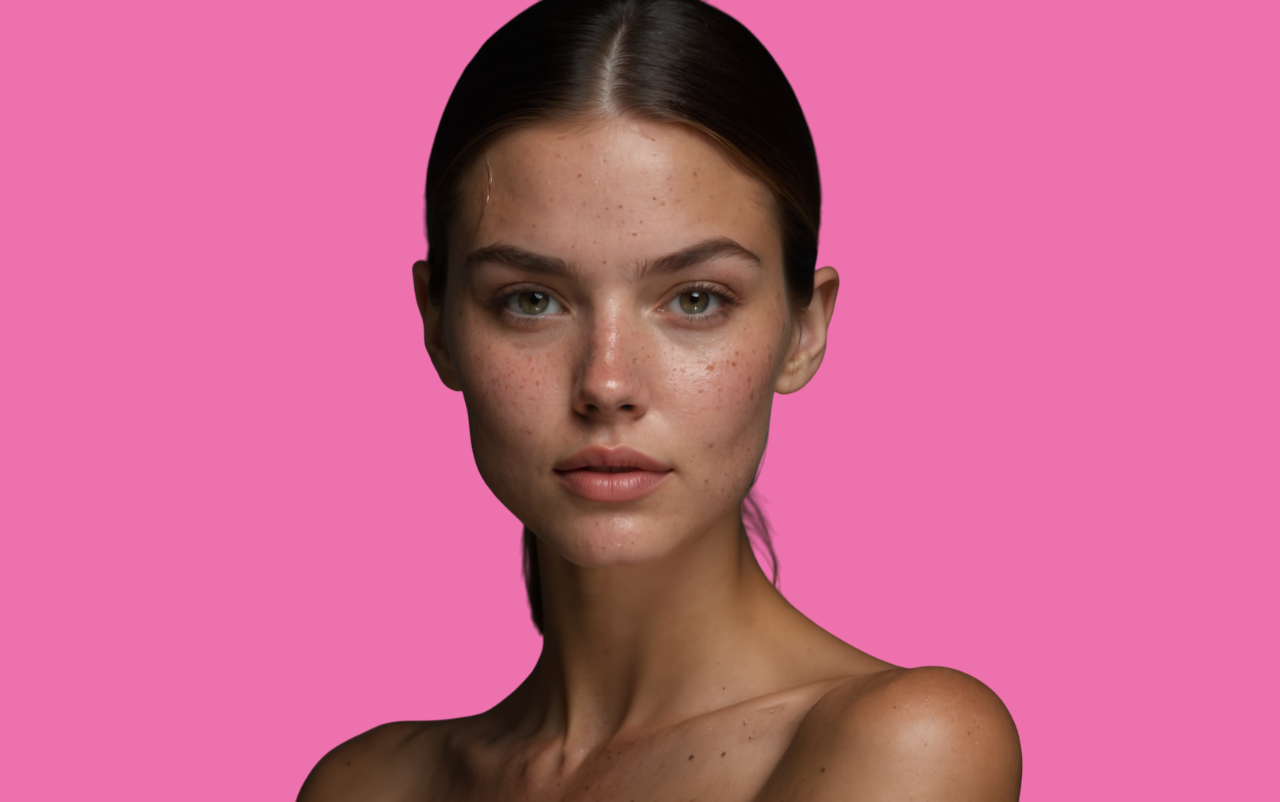
Realistic AI skin depends on two major factors—skin tone accuracy and visible texture.
1. Skin Tone & Overall Look
The difference becomes very clear when you compare them side by side.

2. Texture & Micro-Details
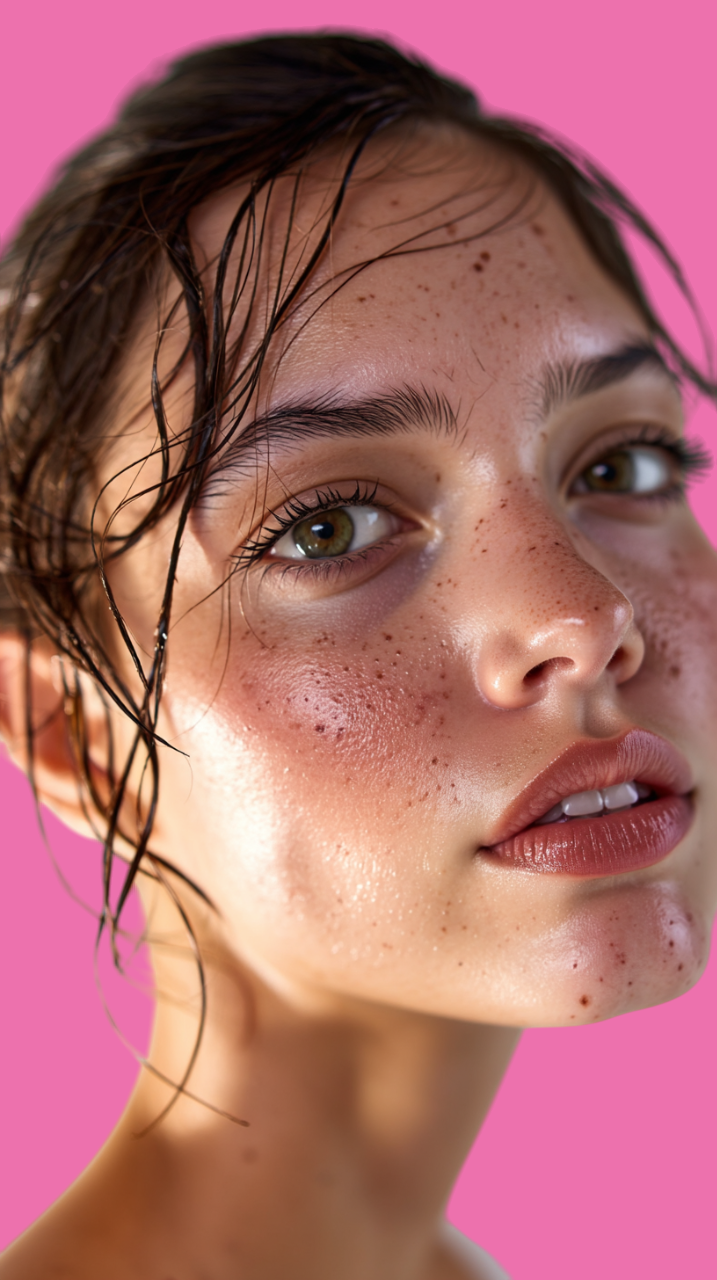
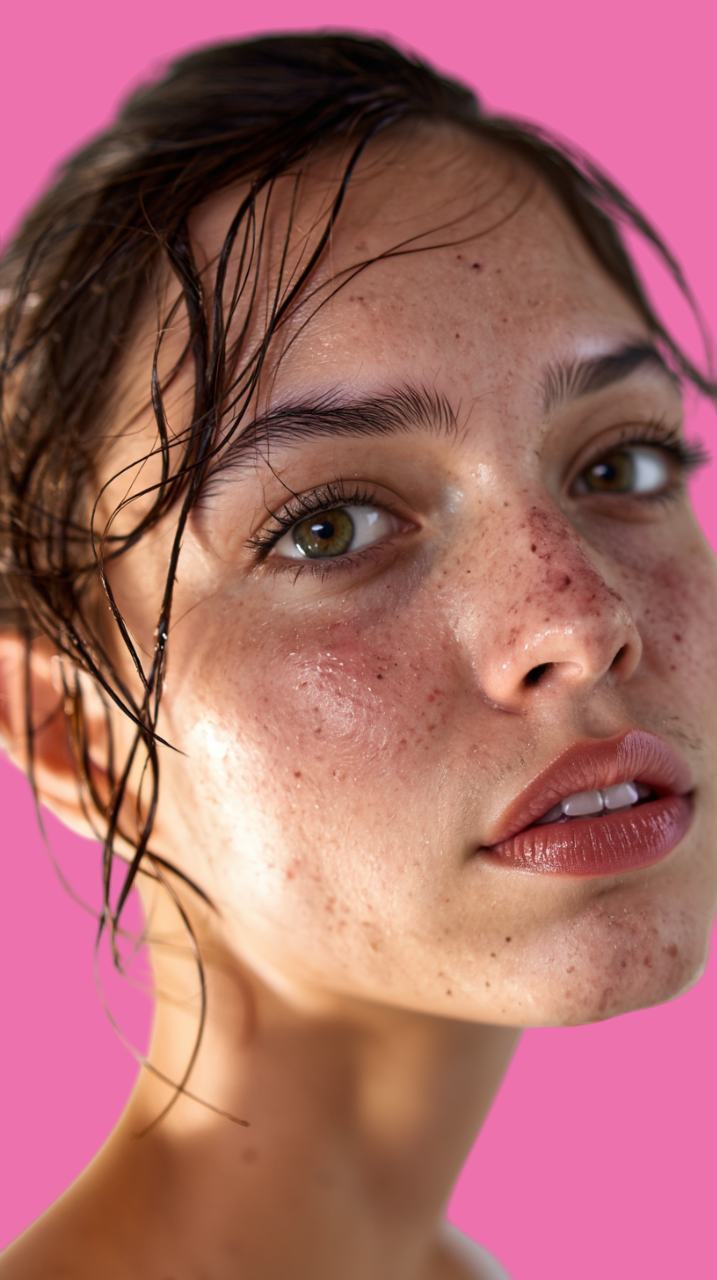
Midjourney creates beautiful aesthetics, but often lacks pores, micro-details, and natural texture.
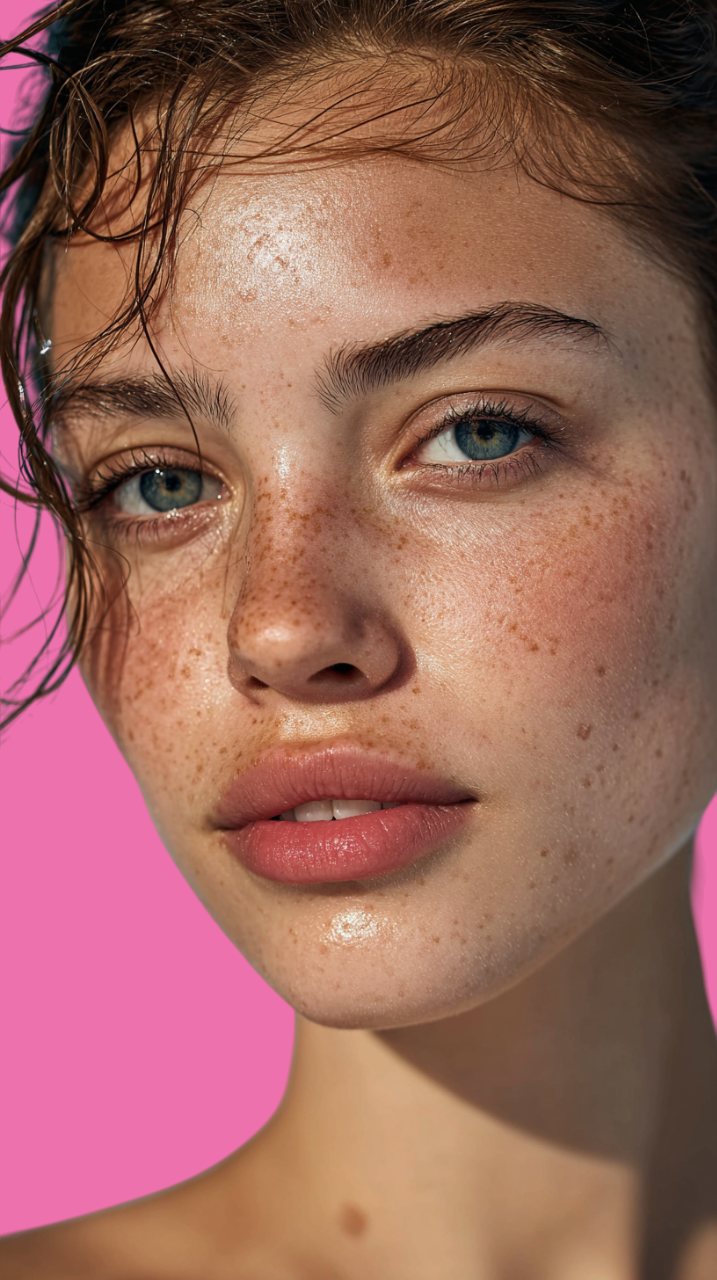
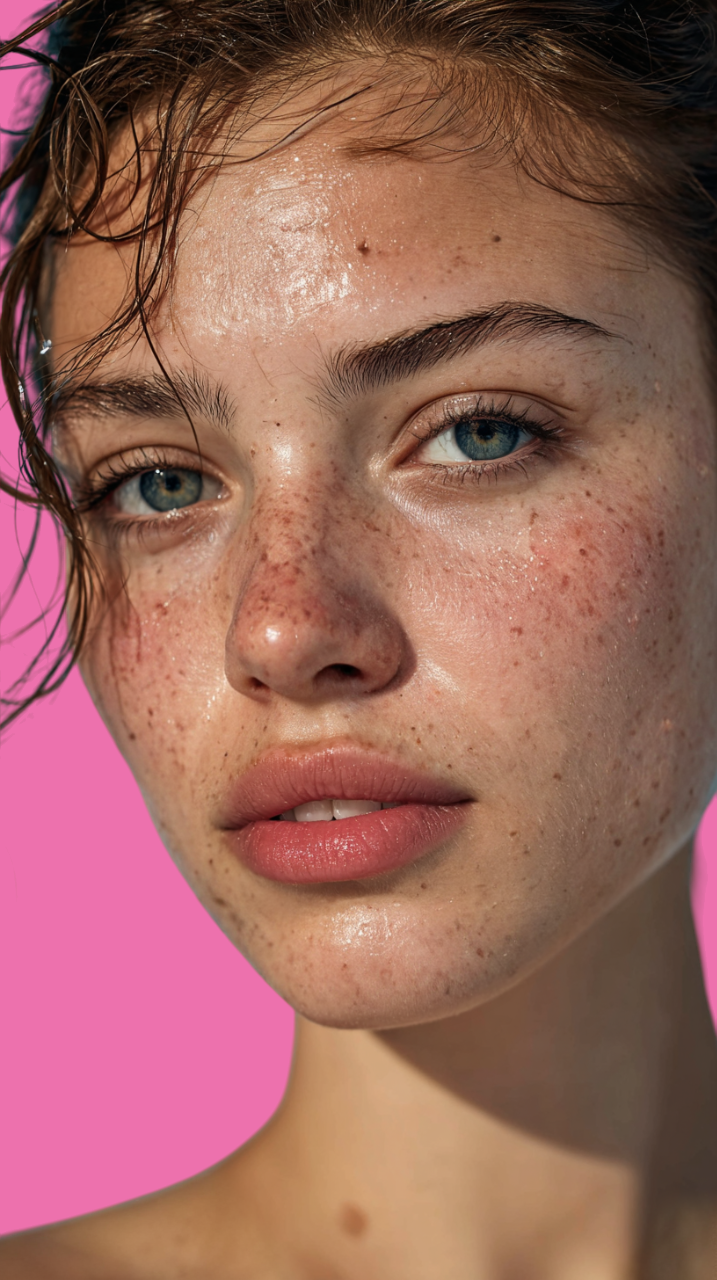
The first image may look “pretty”, but the second one is brand-ready, usable for campaigns, and visually believable. That’s the power of true skin realism.
Generators and Their Gaps (GPT, Gemini, Flux, Midjourney)
AI models like Flux, Gemini, Midjourney, and ChatGPT are extremely powerful for brand creatives. Each one excels in different areas, but when it comes to skin realism, they still struggle in their own ways.
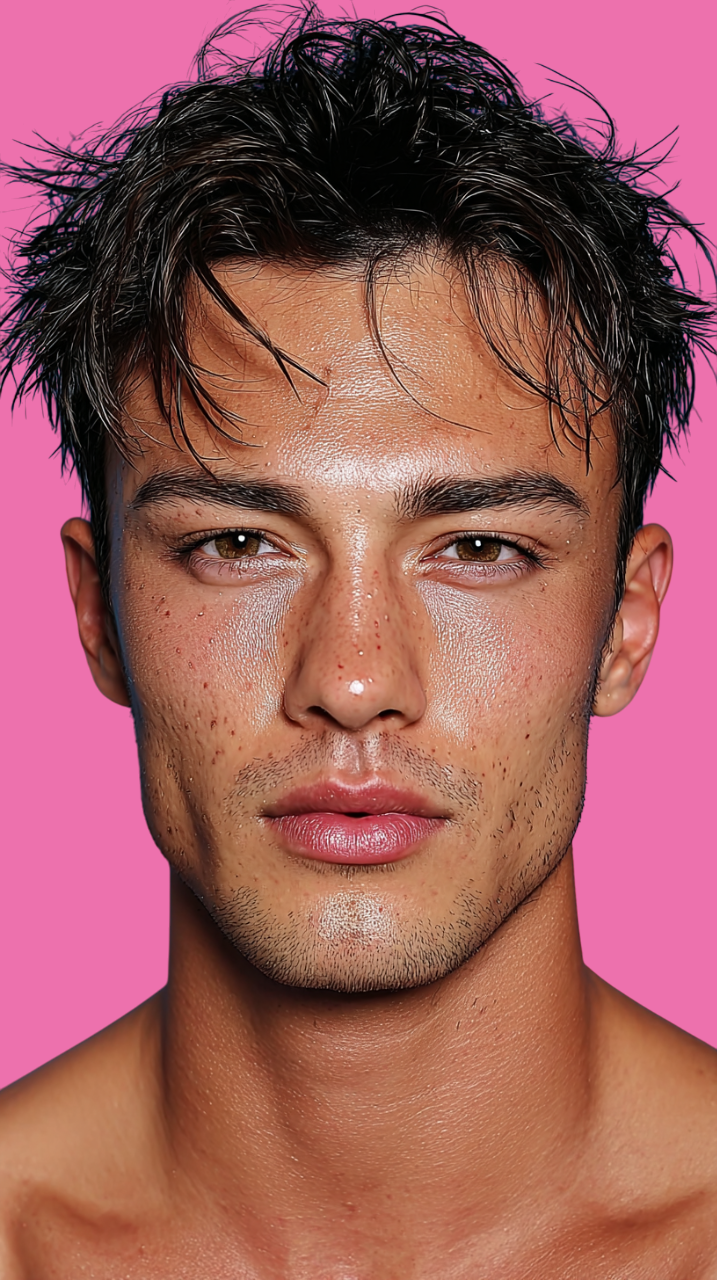
1. Flux
Flux offers excellent prompt adherence and strong compositions, which makes it great for brand visuals. However, it often produces waxy or plasticky skin. Creators love the overall look, so the real challenge is making Flux shots feel realistic without losing that composition.
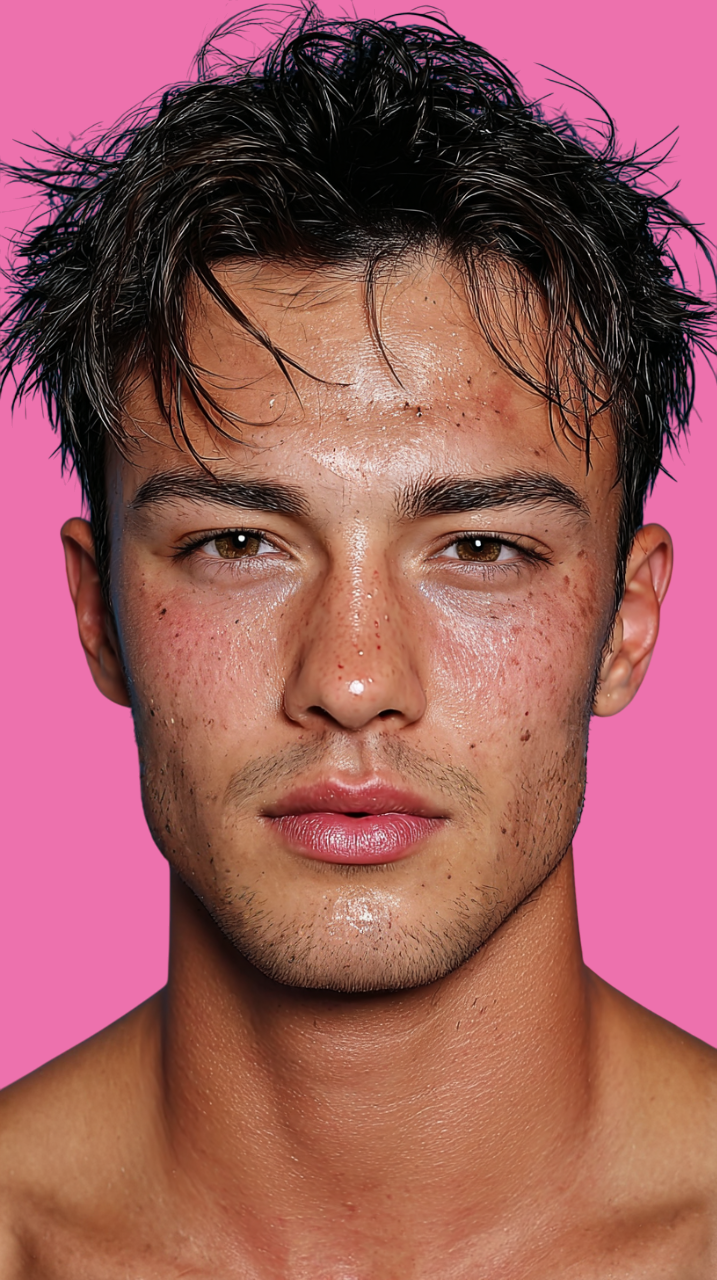
2. Midjourney
Midjourney leads in aesthetics. Fashion and beauty creators rely on it because it produces clean, editorial-style images. But since it’s heavily trained on retouched photos, the skin usually lacks pores, texture, and natural micro-details.
3. ChatGPT
Many creators use ChatGPT’s image model for product shots, thumbnails, and character-consistent scenes. The images often look cinematic, but they usually have the weakest skin realism—overly smooth faces, missing texture, and very little natural breakup on the skin surface.
Best Practices for Achieving Skin Realism
Now that we've covered why realism matters, let's look at how to make images actually look brand-ready. Even after creators decide they need real skin texture, many don't use realism tools correctly.
The most important rule: Realistic skin requires enough resolution for the model to place textures.
In simple terms: More pixels = more space for pores, micro-details, and realistic texture.
Recommended Workflow
- 1. Upscale first if the base image is low-resolution.
- 2. Then apply the skin realism engine for the best possible output.
If you read until this point, I think you feel the requirement of skin realism engine in your workflows, so check out this for sure.